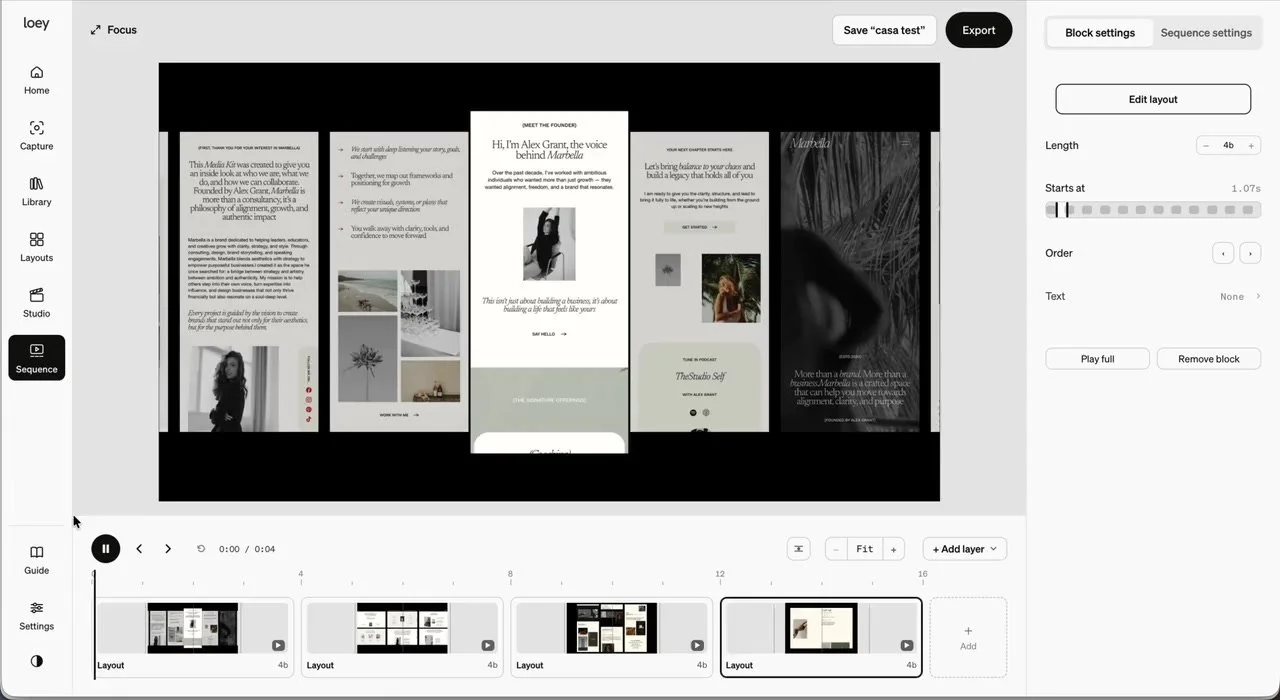
Your work,
ready to show.
Capture websites with the Chrome extension. Organise your captures and app screenshots, then create motion layouts and animated device mockups in the browser app. No extra motion software.
Capture at every size.
Desktop, tablet, mobile or custom dimensions.
Capture pages in bulk.
Build a set of website captures in one go.
Keep everything organised.
A searchable library with site grouping and folders for your projects.
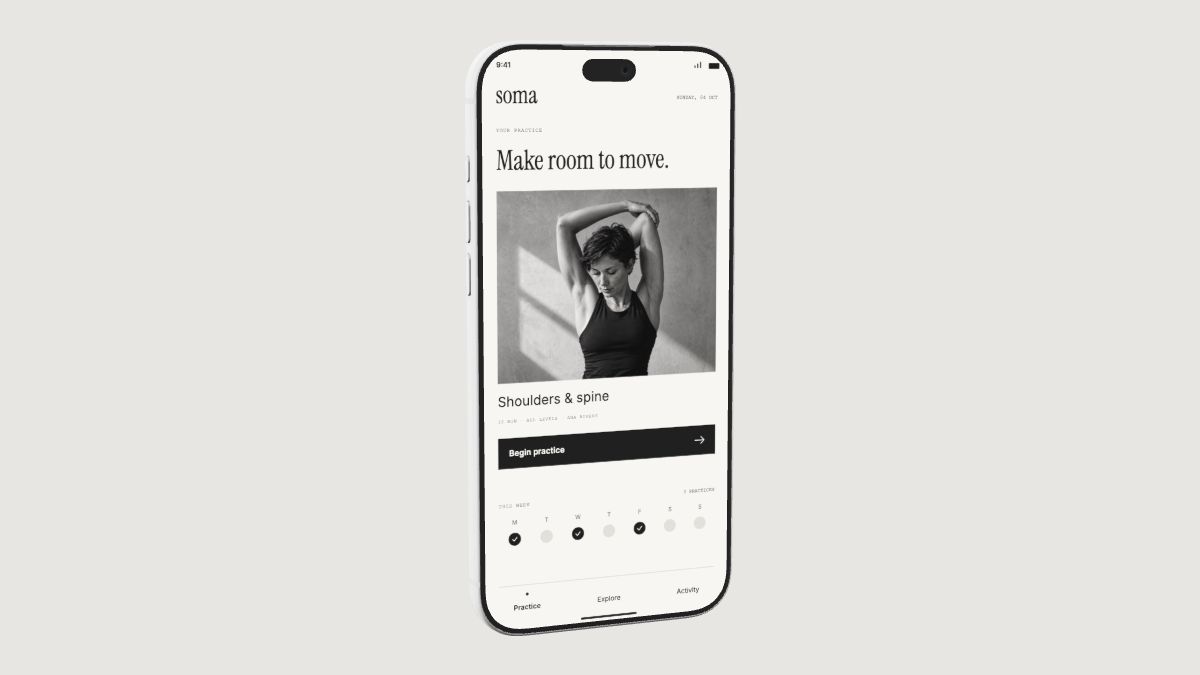
Create animated device mockups.
Showcase your website or app on a real device. Choose a shot, adjust the lighting and make it move.
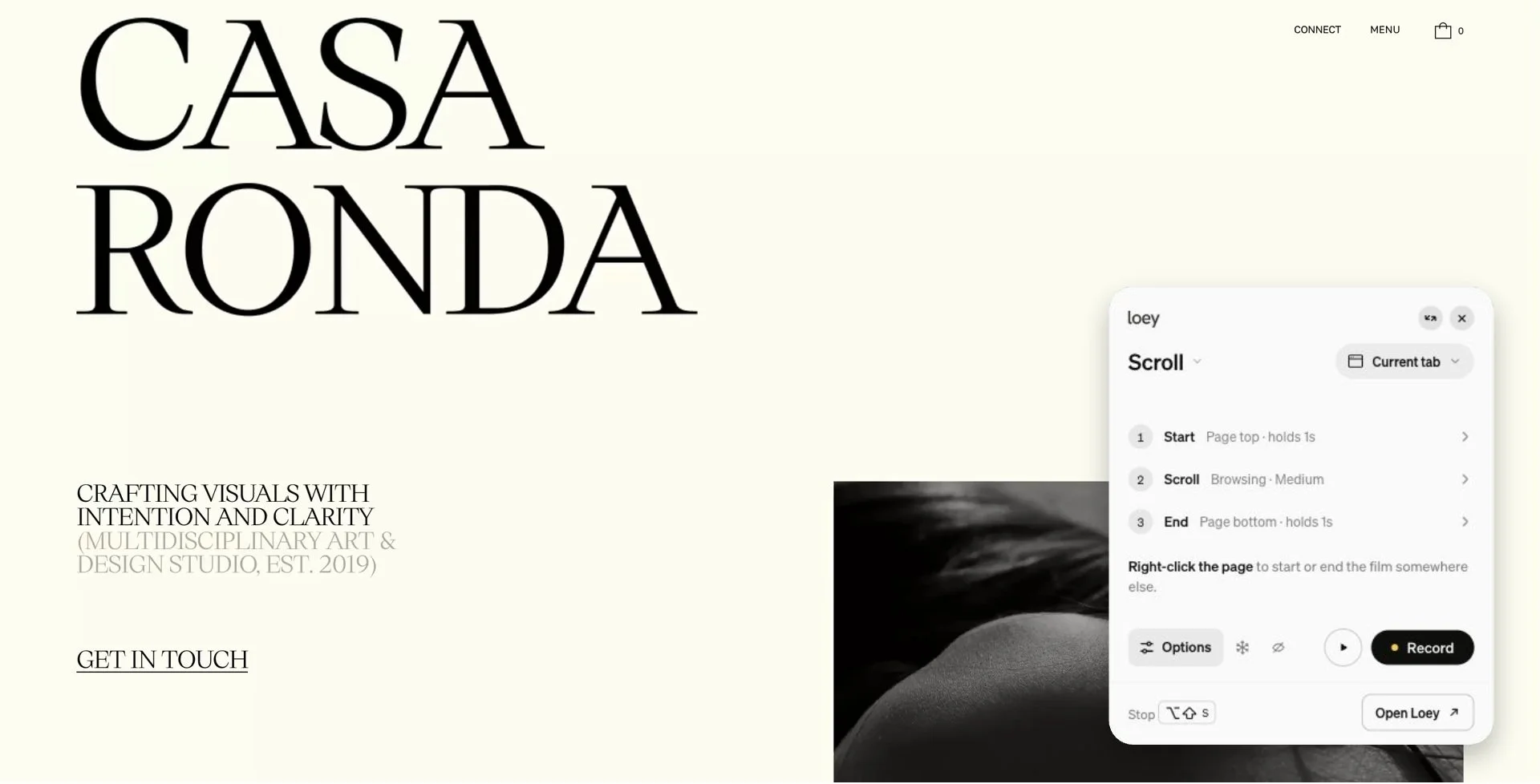
Capture more than a screenshot.
Capture a page in Chrome, record a scroll, or show how it works with clicks and hovers.
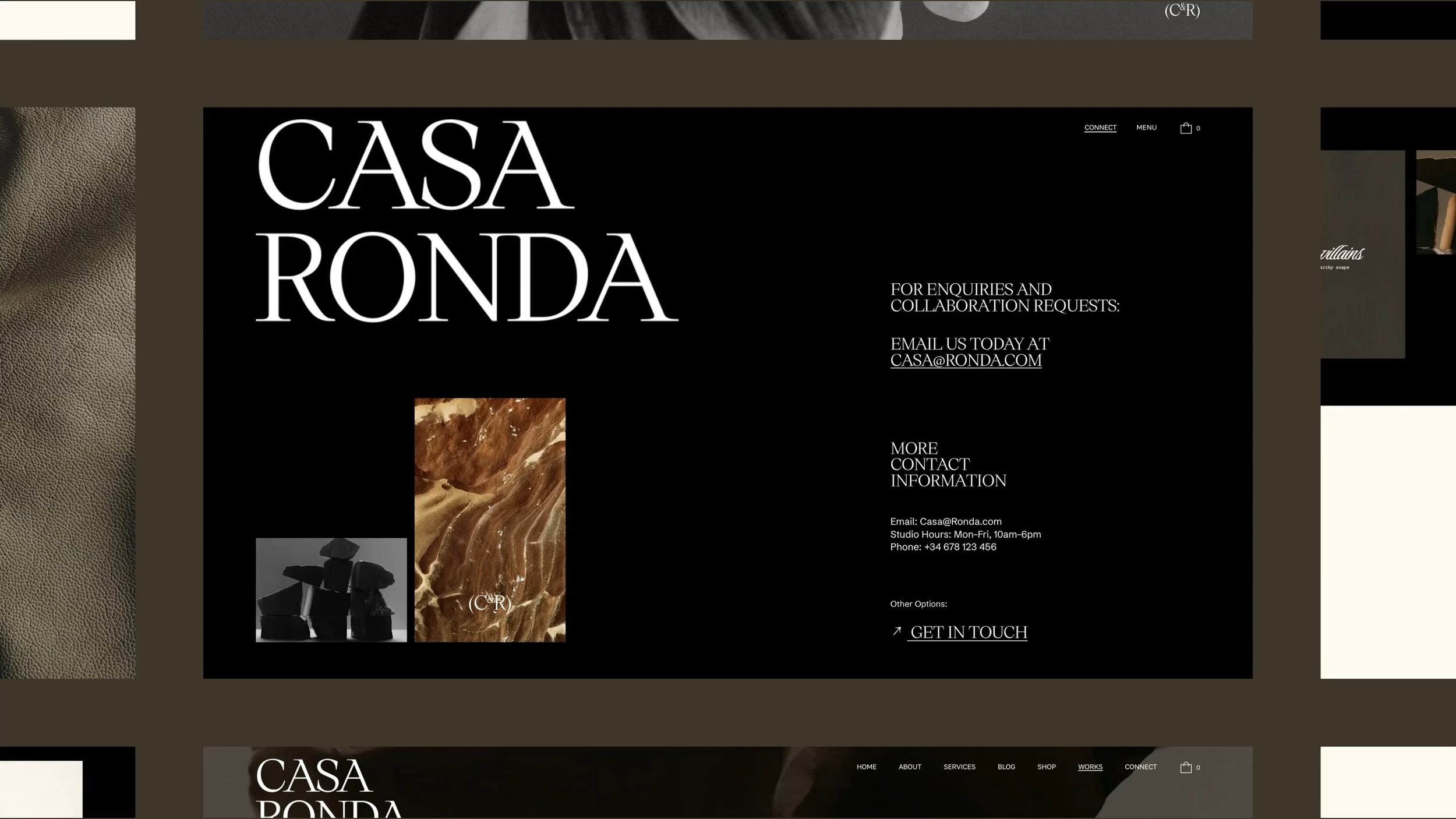
Motion layouts, made simple.
Choose a layout. Add website captures or app screenshots. Press play.
Make the final cut.
Bring captures, moving layouts and studio shots together in one timeline.
Be first to try Loey.
Get a note when Loey is ready.